Published (approved) item
You cannot delete a published (approved) item. The item must be withdrawn by setting a discontinuation date.
See description:Set Expiry Date
Newly created item
The Delete item button can only be used on newly created items.
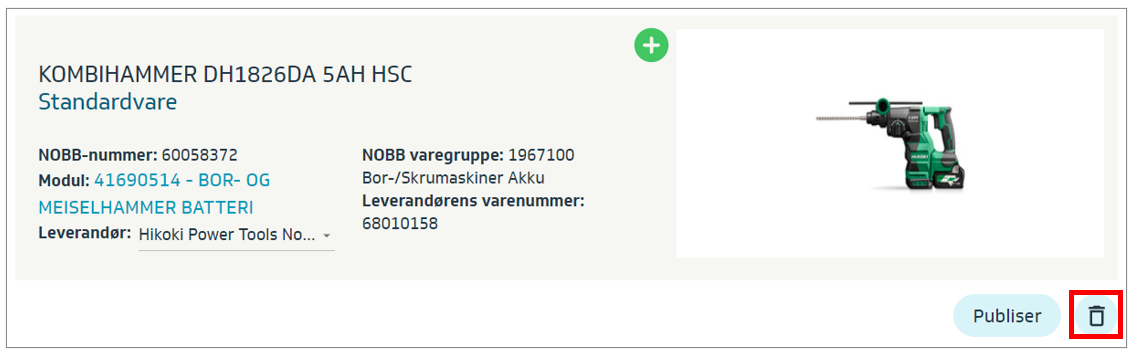
You can delete items one by one manually in the interface:
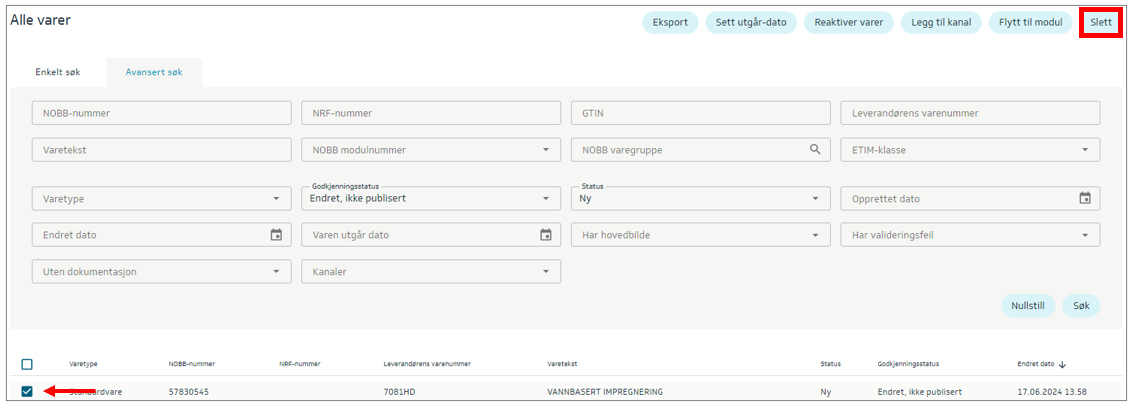
It is also possible to delete multiple newly created items at the same time.
Find the newly created items you want to delete, select the items, and click the Delete button: