
If you want to reactivate an expired item, do the following:
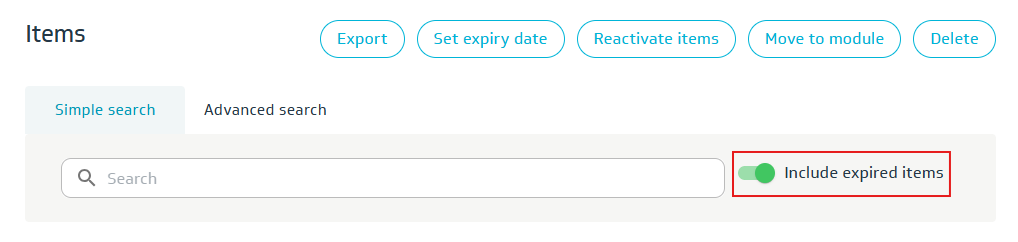
Search for one or more items. Remember to select Include expired items to find the item.
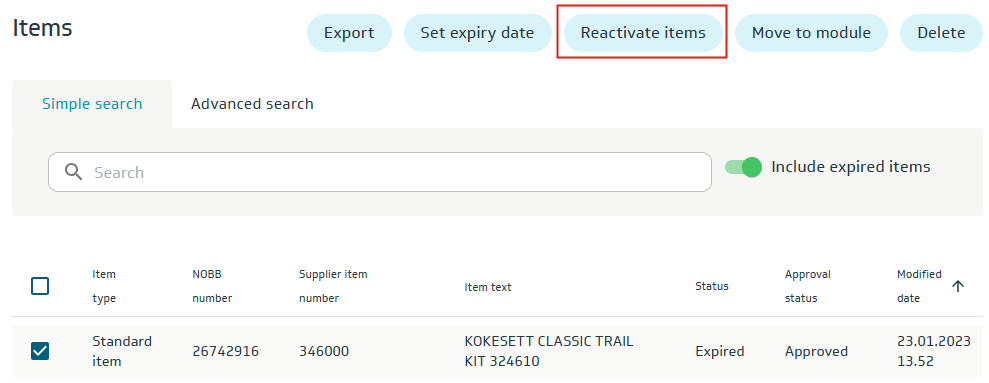
Select the relevant item and click Reactivate Items.
Confirm that the item should be reactivated (click OK). Then click OK on the success message.
Note: The reactivated item must be assigned a new NOBB index price and must be submitted for publishing (approval).