
t is now possible to update items in NOBB Supplier using a file based on the BMECat format. The purpose of this feature is to enable the updating of ETIM class and ETIM properties for a set of items using BMECat.
When using this functionality, please note the following:
-
The upload must be done using an XML file. The XML file must follow the BMECat format.
-
The maximum file size is 64 MB.
-
The supported processes are "T_UPDATE_PRODUCTS" and "T_NEW_CATALOG". However, please note that this functionality only updates ETIM properties for existing items.
-
For each item being updated, the supplier’s item number is used to identify the item. This value must be found in the SUPPLIER_PID field.
-
Only the ETIM class and ETIM values are updated during this process.
-
If the file contains errors (e.g. invalid ETIM values or non-existent SUPPLIER_PID), the entire process will stop, and you will be informed of where the error occurred.
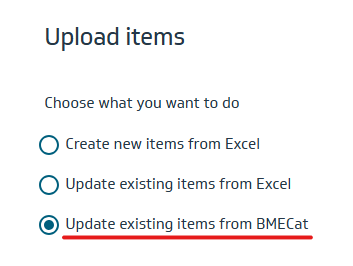
We recommend testing the functionality on a small set of items before doing a full import.