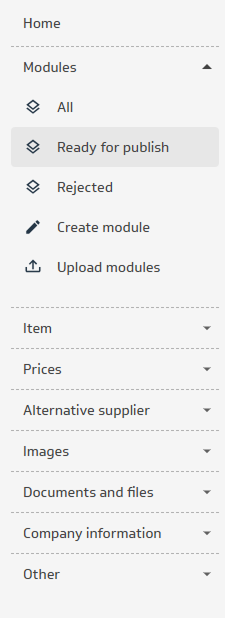
Go to the Modules menu and select Ready for publish.
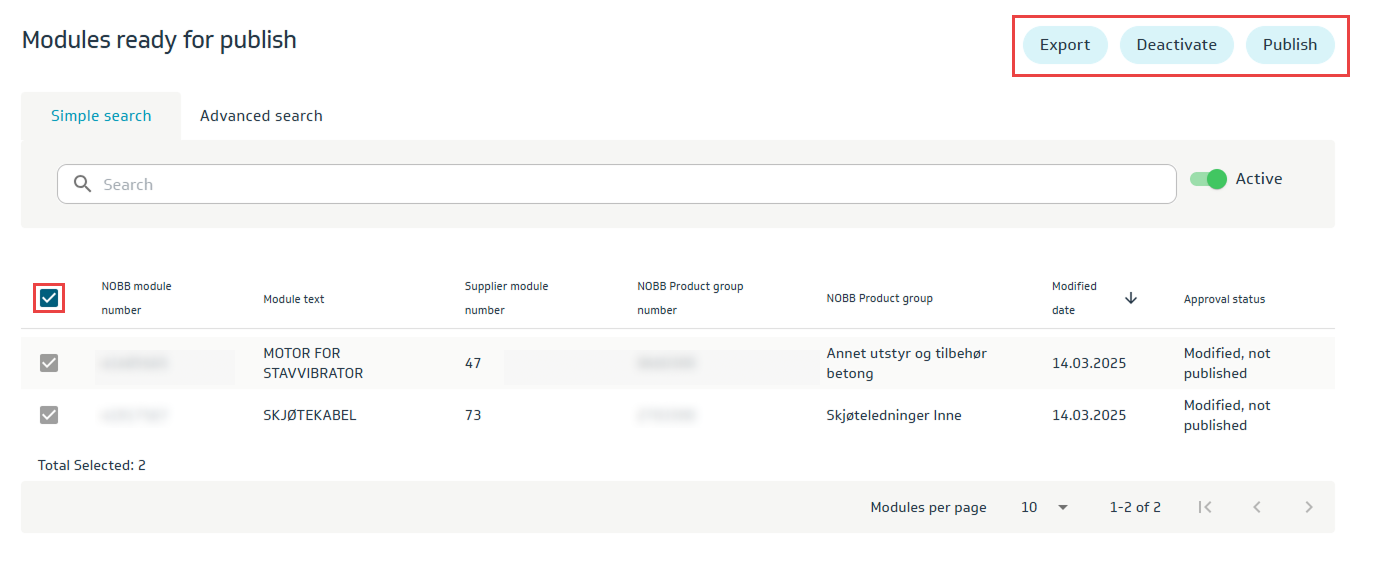
Here you will see modified modules that can be published (sent for approval).
Newly created modules that are correct according to NOBB regulations will be automatically approved.
To publish (send for approval), select the desired module and click the Publish button.