Send for Approval
When all information is checked and completed, the safety data sheet can be sent for approval. This is done by clicking the publish button.
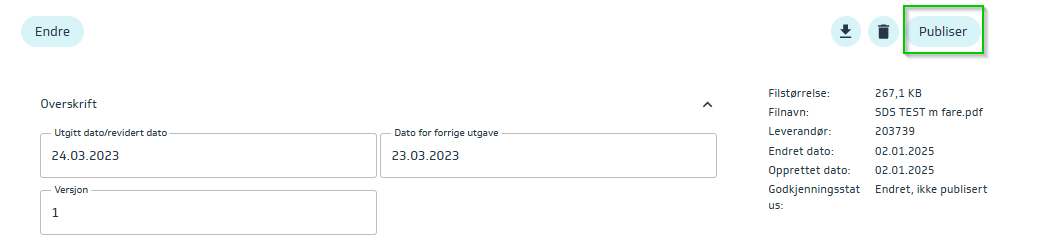
It will then be sent to NOBB for review, who will either approve it so that it becomes active, or reject it and provide reasons/deficiencies to get it approved. The status can be seen in the safety data sheet overview -> Approval status.
Approval can take up to 1 business day as this is a manual review by NOBB, and there may be a high volume of information sent for approval.
Rejected SDS
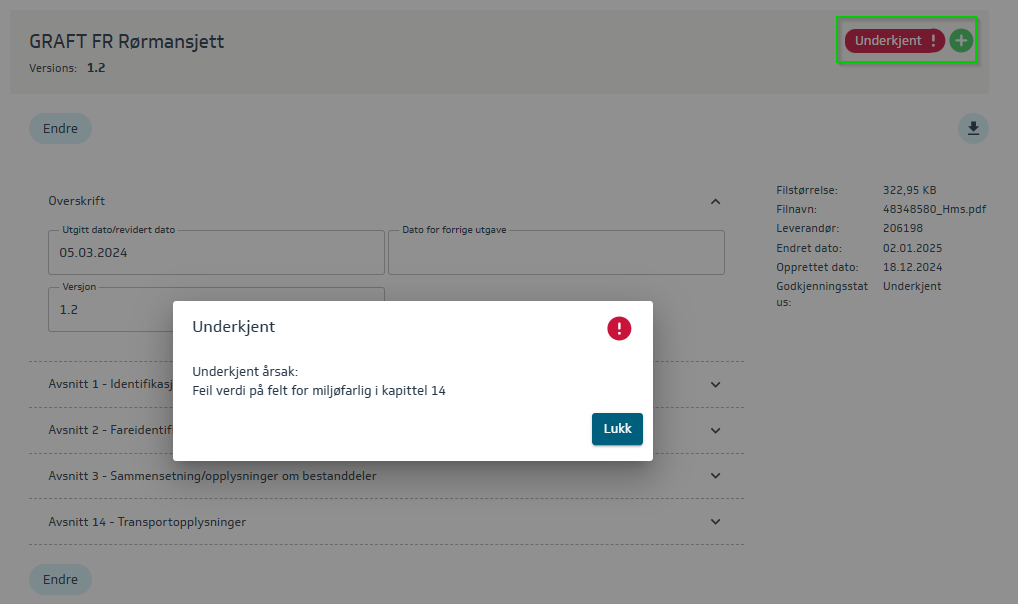
If rejected, the reason can be found by clicking on rejected.
Make the necessary corrections and resend the updated SDS for approval.